Automating WordPress Drudgery with Claude
This post — and admittedly my use of AI in general — is a bit of a late bloomer, but I’m hoping that someone somewhere will find it useful or inspiring. To back up a bit, here is some context about the current state of AI in Spring 2026:
I think this stat probably sums up my industry the best:
90% of developers regularly use at least one AI tool at work
I’ve been using AI at Arista for almost a year now: first Augment and now Claude. My team hasn’t gone too deep with agents yet, but it’s becoming more and more common that most (or all) of the code submitted for a change was written by AI.
This post will not be about agentic programming or churning out mountains of enterprise code. Instead, I’d like to highlight some small tasks (“projects” seems too generous here) that I’ve been tackling over the last few months, related to my website overhaul. These are the kinds of annoying, tedious tasks that come up a lot in techy side projects: the kinds of tasks that you have to deal with manually, for hours or days on end. Or maybe you get really lucky and someone else wrote a tool to solve this exact problem. Or — most likely — you decide to spend your precious time on more important things and these tasks sink to the bottom of your to-do list, dying a slow, undignified death.
It was during the last few months that it really dawned on me how much AI had advanced in the last year, and even just the last six months. When I first started using Claude to automate my website to-do list, I didn’t have a subscription yet and I wasn’t even using Opus, their latest model. I have a subscription to Claude now, but even with the Sonnet model and a low daily limit of tokens, I was legitimately impressed with how well Claude handled my silly, silly chores.
For all of the tasks and tools below, Claude wrote me a (good-looking!) bespoke webapp in just a few seconds; it would have taken me many hours or a couple days to write one myself, and it wouldn’t have been nearly as nice or polished. Carrying out the tasks by hand? Now we’re talking days or weeks, if I could even muster the will.
I’ve been reading a lot about AI in the last year or two, so I knew how much it was advancing, but there’s something different about having AI help you with a personal task. Once it was saving me loads of time in my personal life, then it really dawned on me how useful it had become. Suddenly, all of the annoying “tech tasks” that I’ve ever had seemed doable! Now that I had this cheerful coding assistant, there was no longer an excuse not to be productive, even with silly personal side projects.
With that, I’d like to highlight a bunch of the random one-off tools that Claude has made for me to help with my website migration and overhaul. Are any of these generally useful? Probably not. But it almost doesn’t matter anymore. My hope here is to inspire people to tackle all those digital odds and ends that you would normally dread.
Setup🔗
While it is possible to connect your WordPress site directly to AI models, this probably requires API access for your model of choice. For example, API access is not included in my Claude subscription; that’s a separate cost. If you do have API access, you could look into one of the many WordPress plugins that adds AI to your installation. For example, my new favorite WordPress developer Jordy Meow has an AI plugin in his plugin portfolio, appropriately named AI Engine.
Thankfully, you don’t need API access. Scrolling back to the start of my “tools chat” with Claude, I can revisit the humble beginnings of a long and productive road:
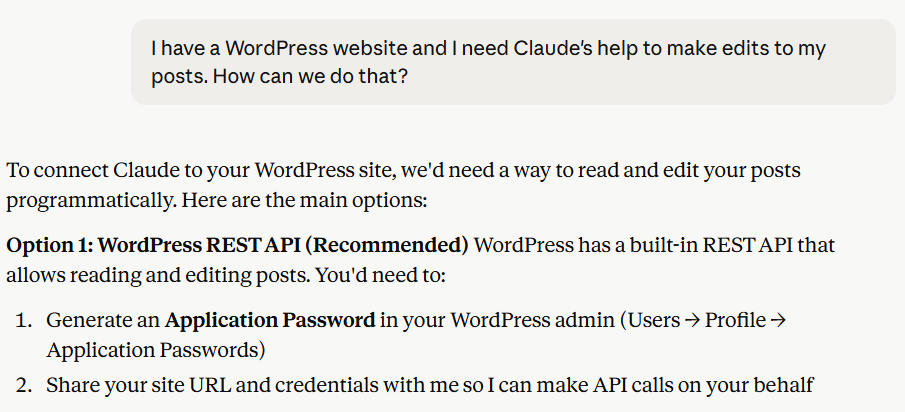
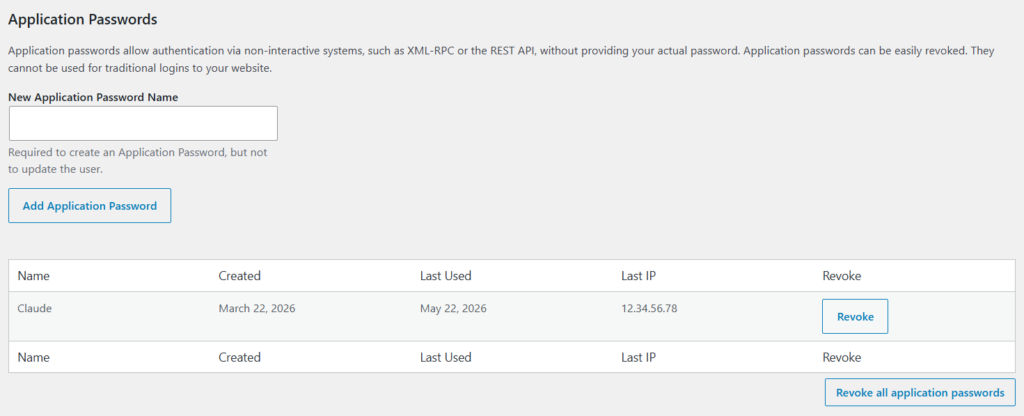
All I had to do was create a new application password for Claude (which can be revoked at any time) and every webapp that it built for me would pre-fill a “login form” with that password.
Since I was using the Claude web interface to make all of these tools, it would actually open the tool in a split window right in the browser. This normally would be very slick — the chat in one half of the window and the webapp in the other half — but unfortunately for my purposes this would violate Content Security Policy (CSP), and so the tool didn’t work. No matter though — simply download the webapp (a single HTML file) to your computer and open it in a browser.
Deleting Empty Blocks🔗
As I mentioned in the migration post, I converted all of my WordPress posts from the “classic editor” format to the block format. This went pretty smoothly, but as I clicked through my posts, I noticed there were rogue empty paragraph blocks scattered throughout, mostly without rhyme or reason. They weren’t causing much harm, but they were unnecessarily inflating the content and adding extra spacing for no reason.
Anyone who has ever migrated data will tell you that this sort of thing “just happens”; there’s almost always some kind of tidying required after the fact. Needless to say, going through 100+ posts and manually removing empty paragraph blocks sounds awful. And if this was happening in the pre-AI era, it probably just wouldn’t get done. But this was exactly the kind of tedious, low-stakes, highly-automatable chore I was hoping Claude could help with.
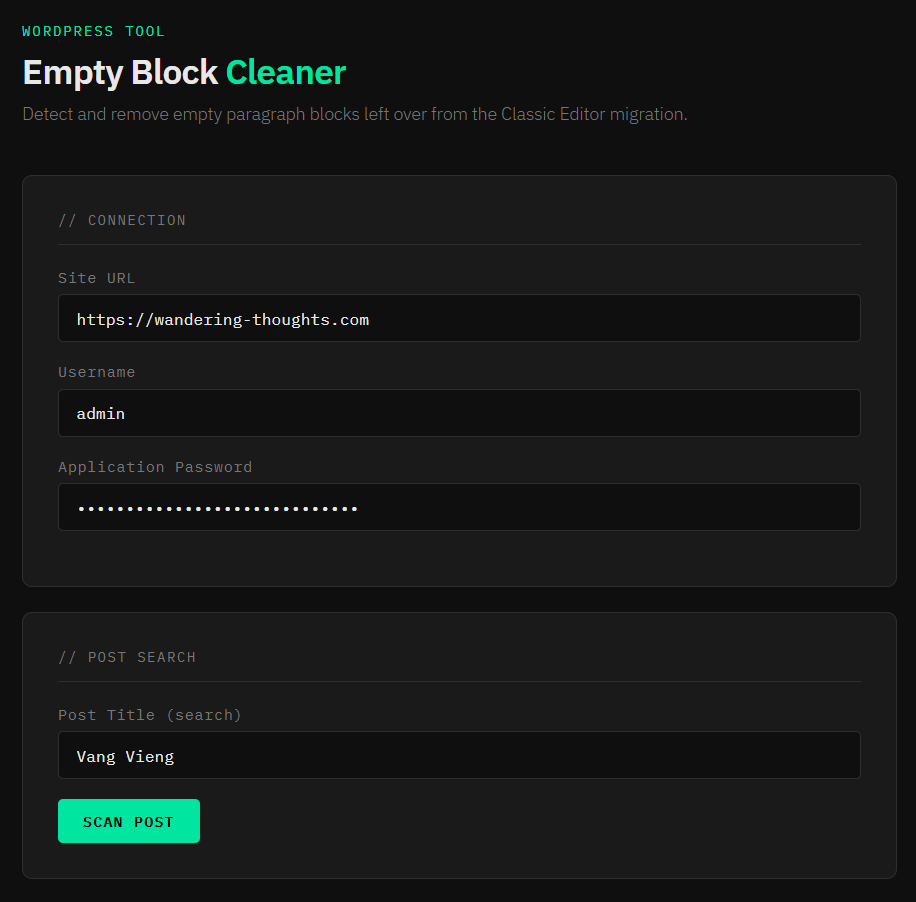
I picked one post in particular where I could manually calculate the correct answer (the total number of blocks and the number of empty paragraph blocks), then asked Claude to build a tool to read the post content, perform the same computations I just did, print a summary, and then wait for my approval to continue. I had to iterate with Claude a few times until it perfected the logic and the numbers were correct; initially some of the numbers were off by a factor of two due to a too-loose regular expression.
Once I was happy with the numbers, I set the tool loose and it did exactly what it was supposed to, with helpful status messages and a cute retro-ish hacker theme:
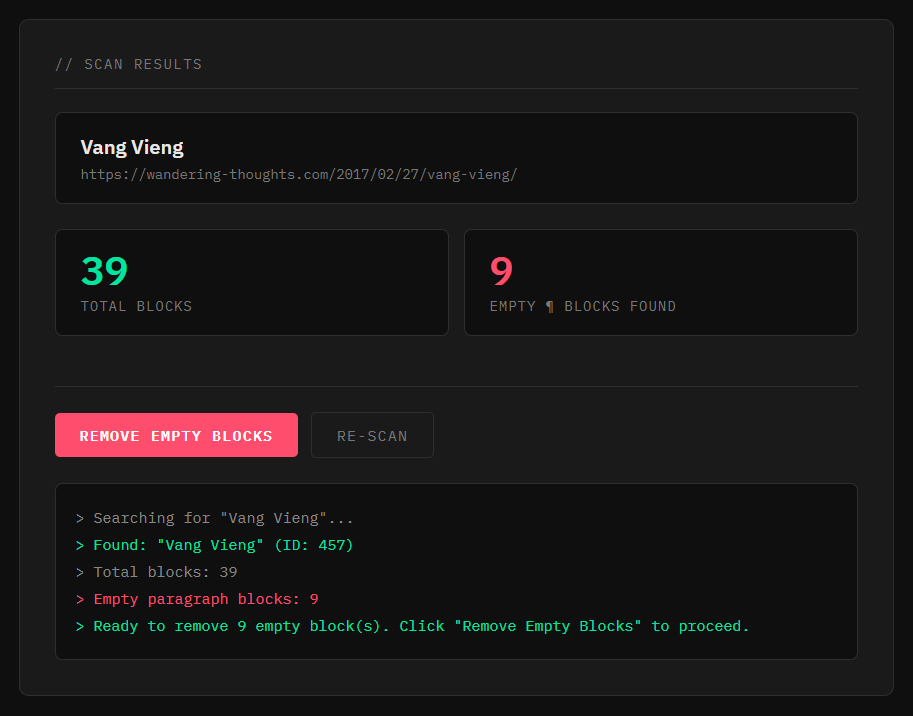
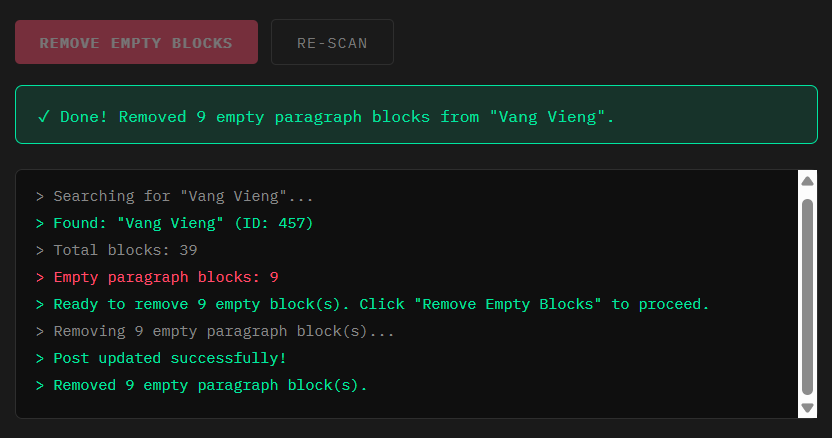
I refreshed my editor tab and double-checked the post; sure enough, all the empty blocks were gone! Feeling pretty good that Claude had gotten the logic correct, I asked it to build the batch version: instead of me specifying a single post to clean, go ahead and clean all posts. After a few moments, it spit out the new tool, which dutifully cleaned all my posts, complete with real-time progress updates:
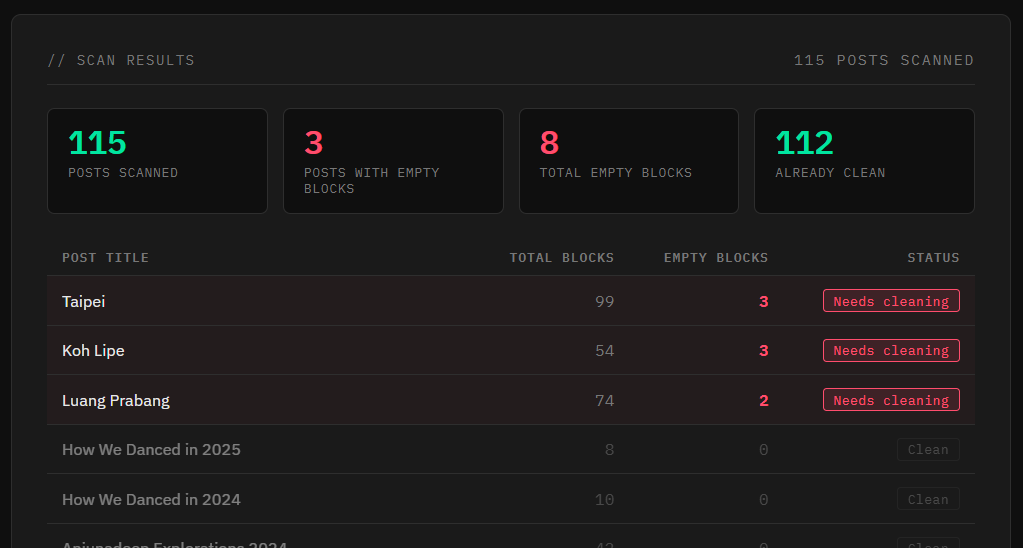
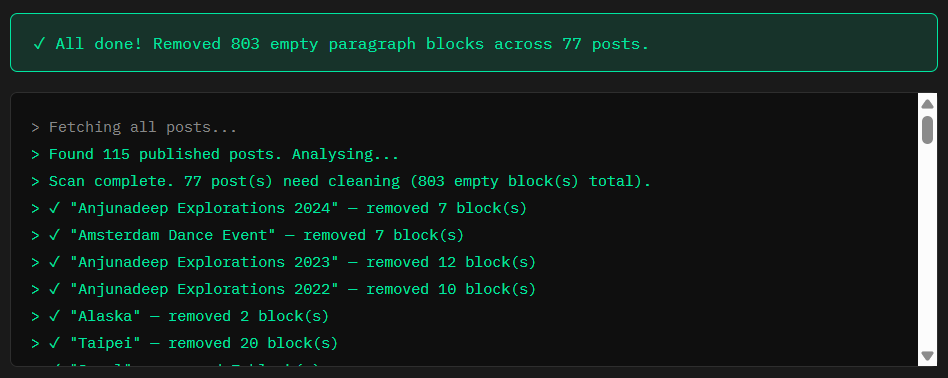
Removing Images🔗
Feeling emboldened by how relatively easy this was, I next had Claude build me tools for removing image files that I either didn’t need anymore or was planning on replacing with higher resolution versions.
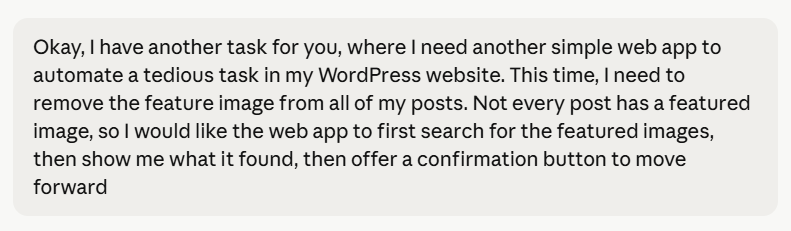
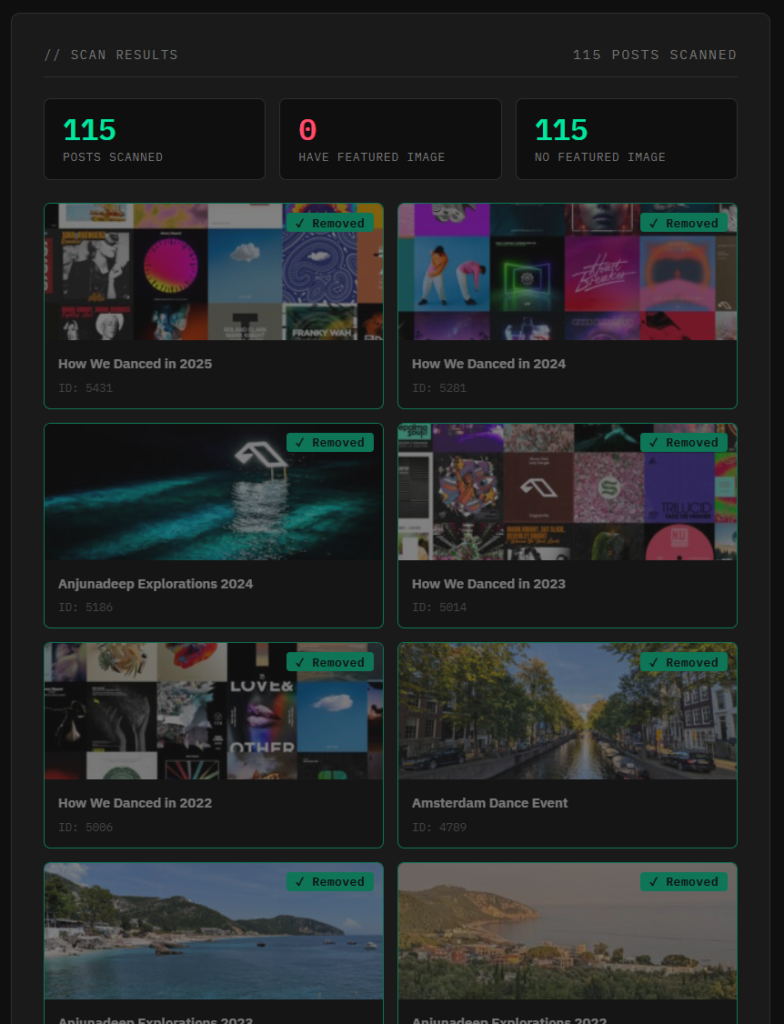
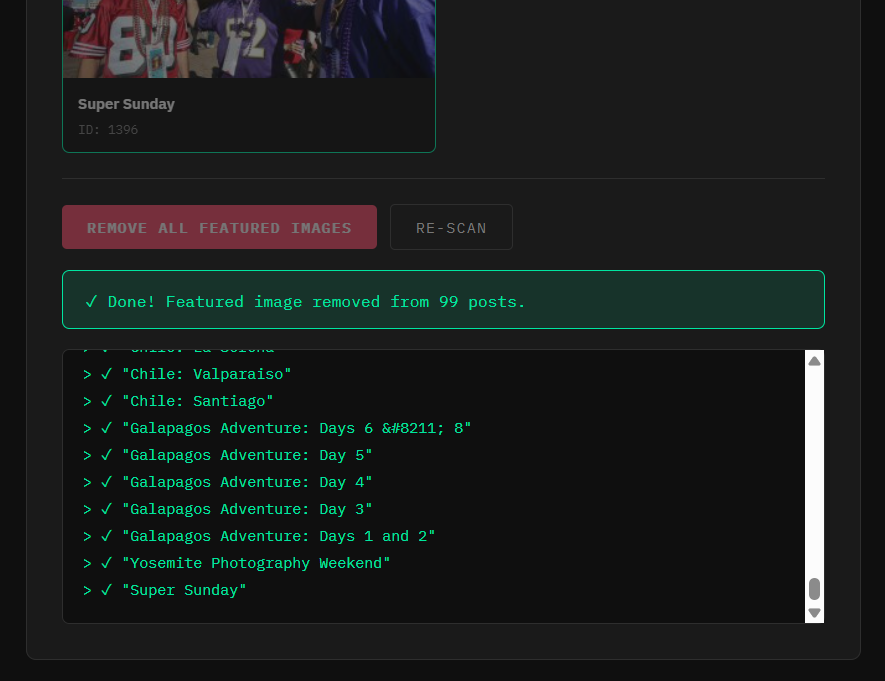
First, I needed a tool that would remove the “featured image” from every post that had one. By the way, I don’t think my prompts are that noteworthy — I honestly just talk to Claude like I’m talking to a junior engineer — but in the interest of completeness I’ll also include screenshots of what I told Claude:
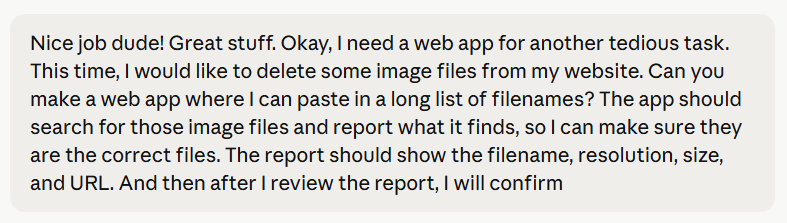
Next, I wanted to remove all the photos that were part of my old photo gallery. WordPress lumps all of your media uploads into the same folder by default, so this unfortunately wasn’t as simple as removing a directory. However, I had the list of filenames (which are unique) so I had Claude build me a tool where I could just import the list and it would find and remove all of them:
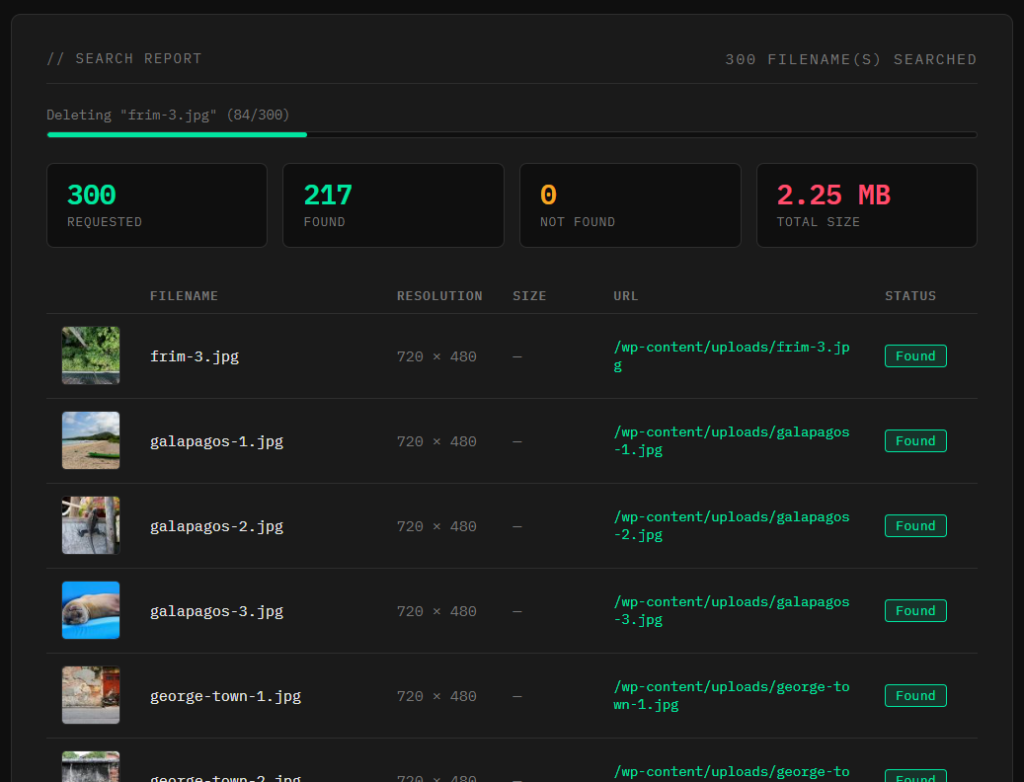
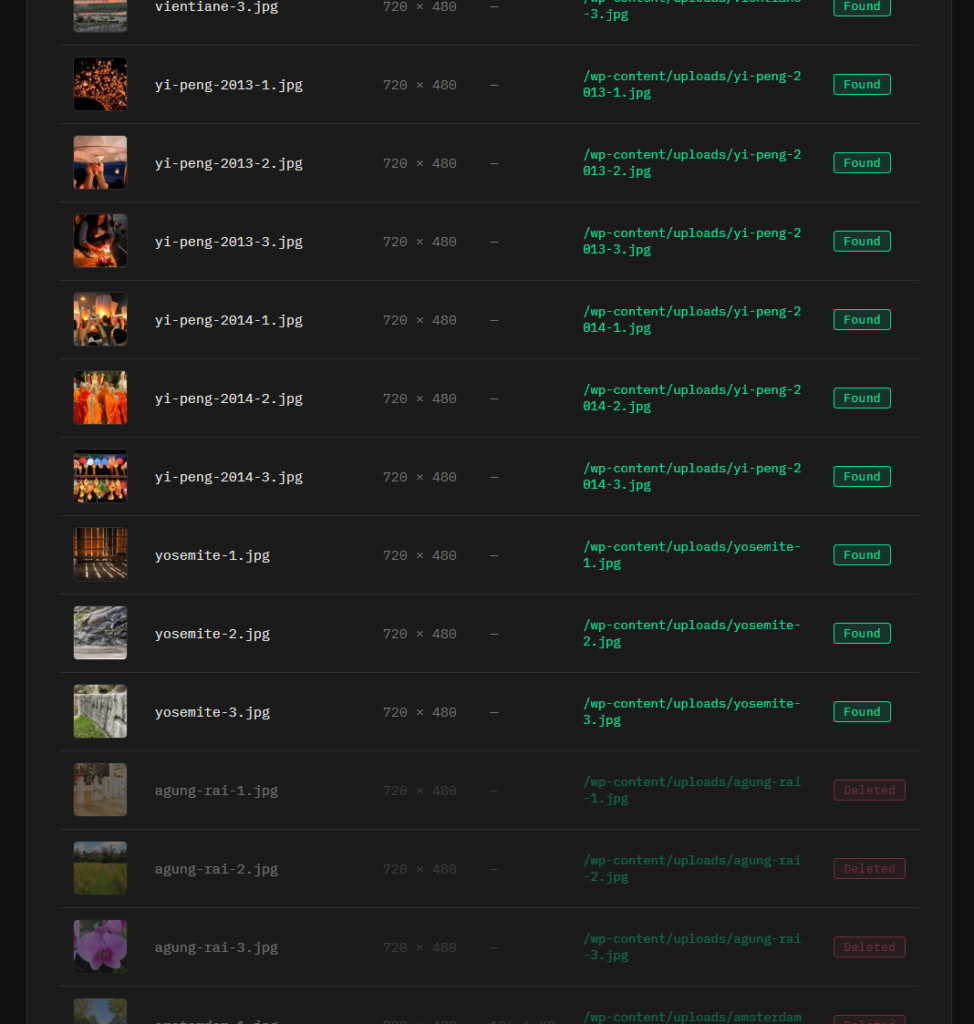
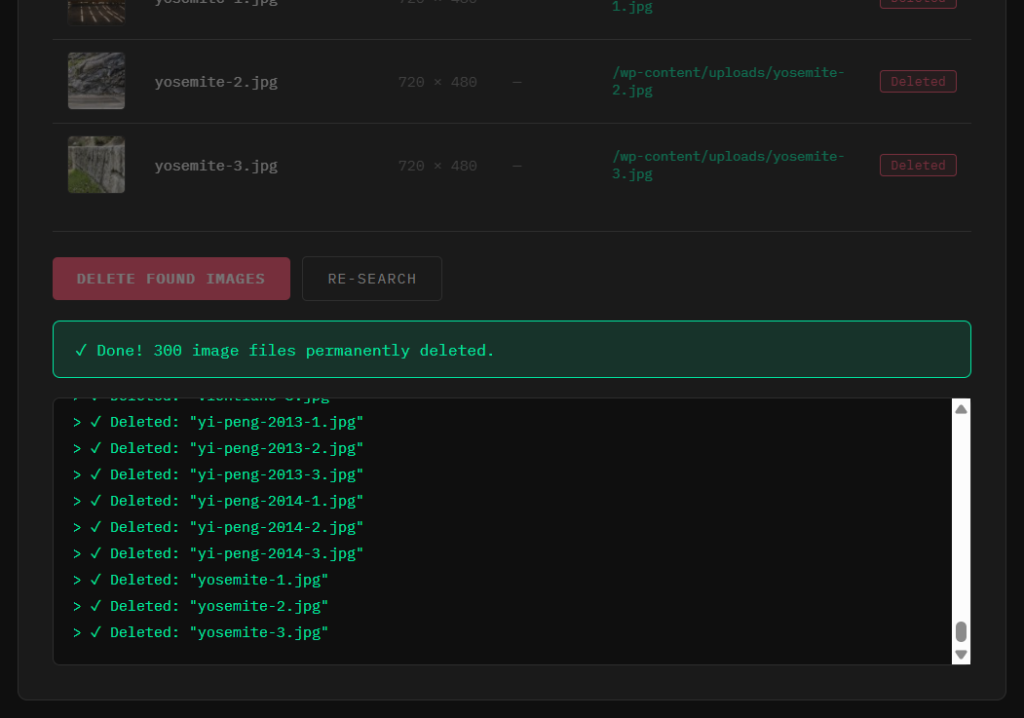
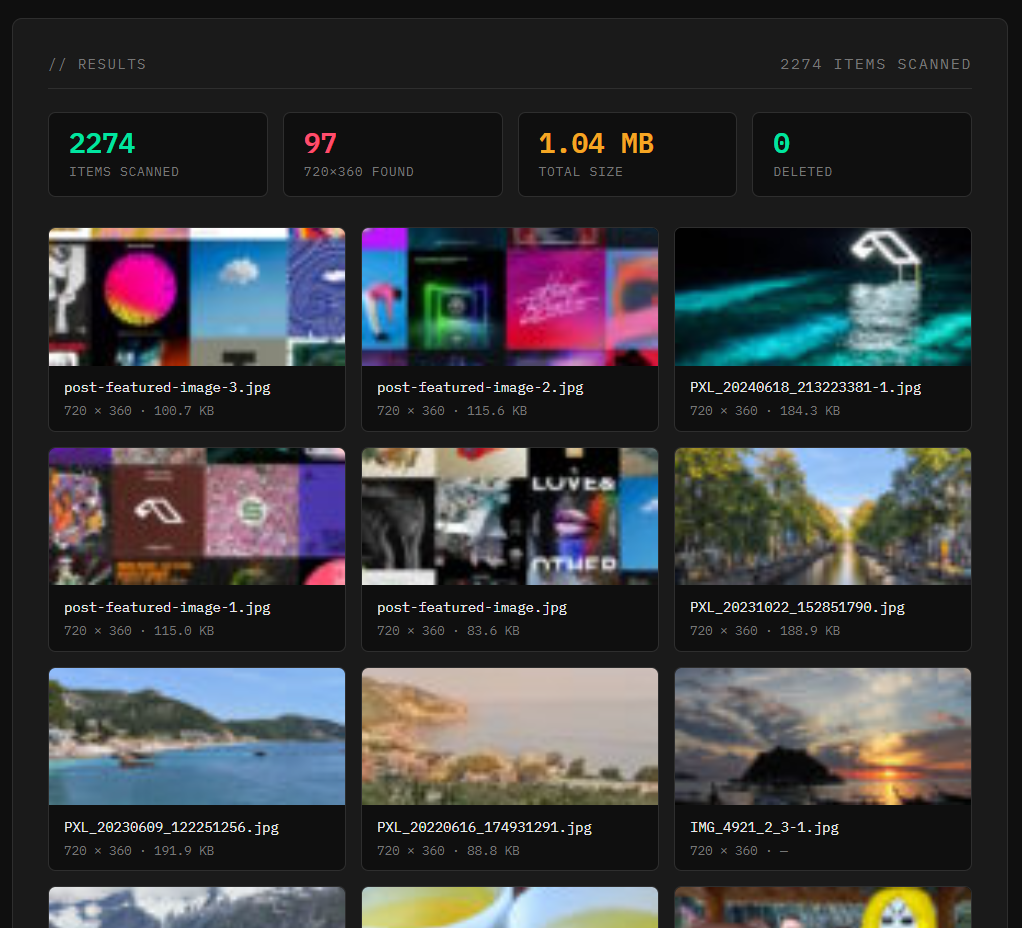
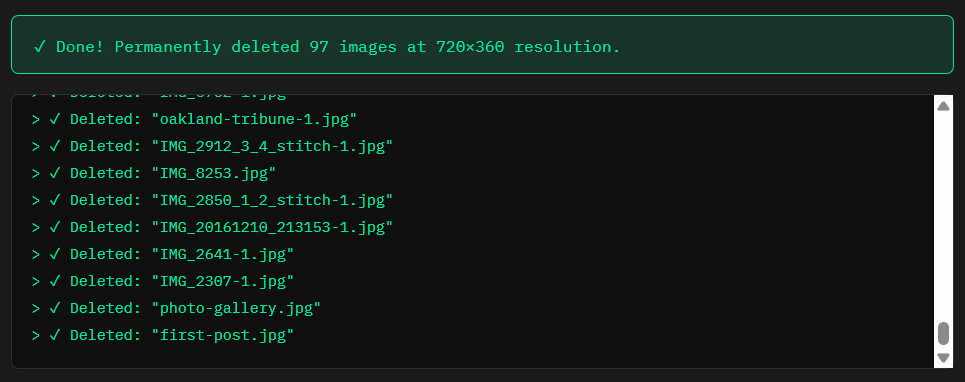
Finally, I realized I had some more orphaned featured images laying around. I didn’t know the exact filenames, but I knew they’d all be exactly 720 x 360 resolution, so Claude built another nice dashboard that would search for those exact image files and take care of them for me:

Creating Photo Galleries🔗
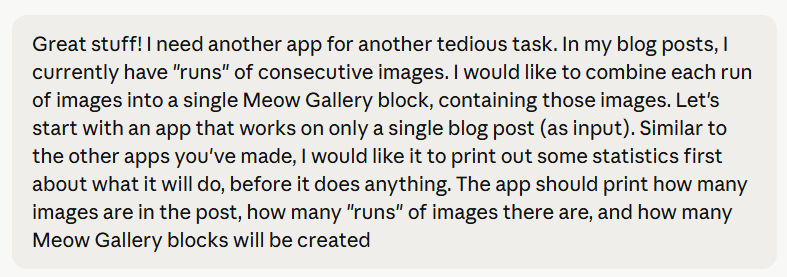
One of the few content changes I wanted to make during my website migration was to improve the display of inline photos. Previously, I had simply dumped the photos into the post, where they were rendered as simple, full-width <img> elements, displayed one after another. With the discovery of Meow Gallery, I wanted to convert every “run” of inline images into a single gallery object containing those images.
With over 100 posts, and many of those posts containing many runs of images, this is exactly the kind of task that would either take days (or weeks) of painstakingly boring work, or just never get done. Seemed like another great job for Claude:
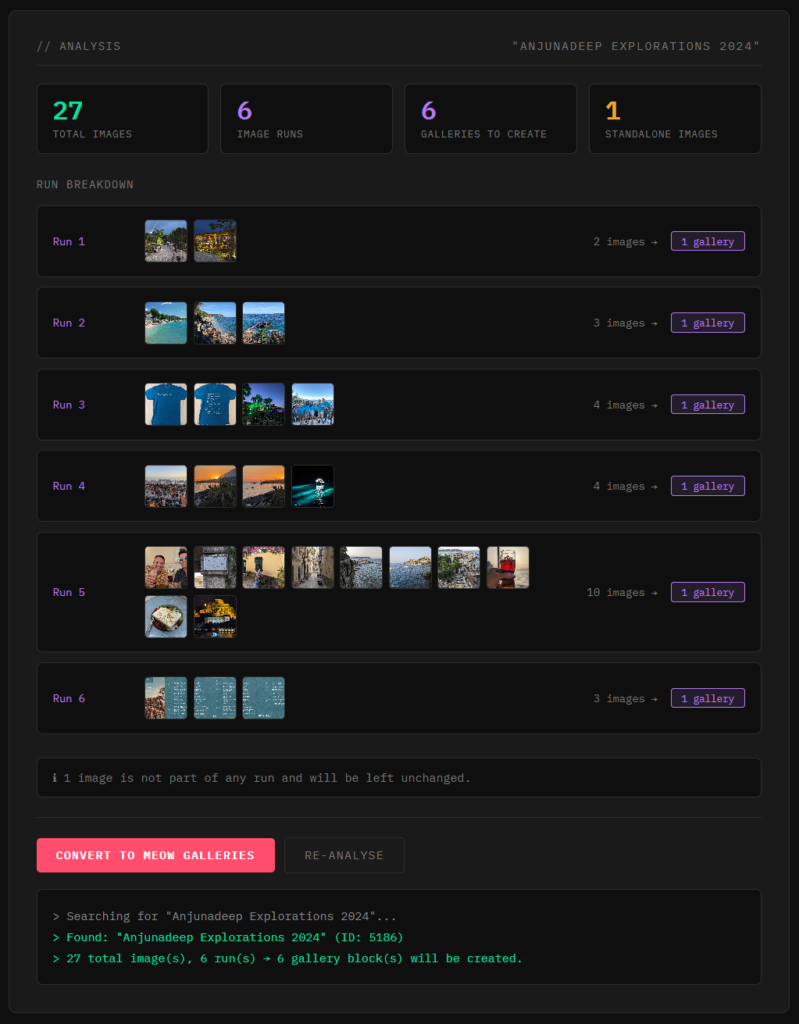
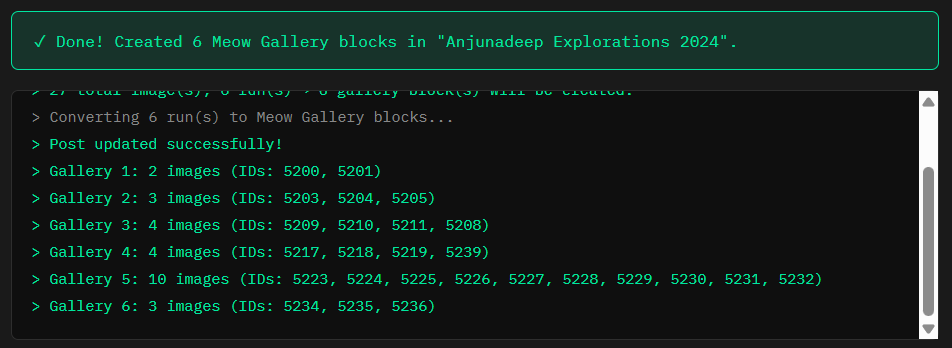
However, when I actually ran the conversion tool, it didn’t work correctly. I told Claude about the problem and it then engaged me in what was basically a pair-programming debugging session, which is really impressive the first time you see it. After it fixed the rendering issues, I verified that the tool was making the right changes to the images in my post:


Then finally — you guessed it — the batch version to fix all runs in all posts:

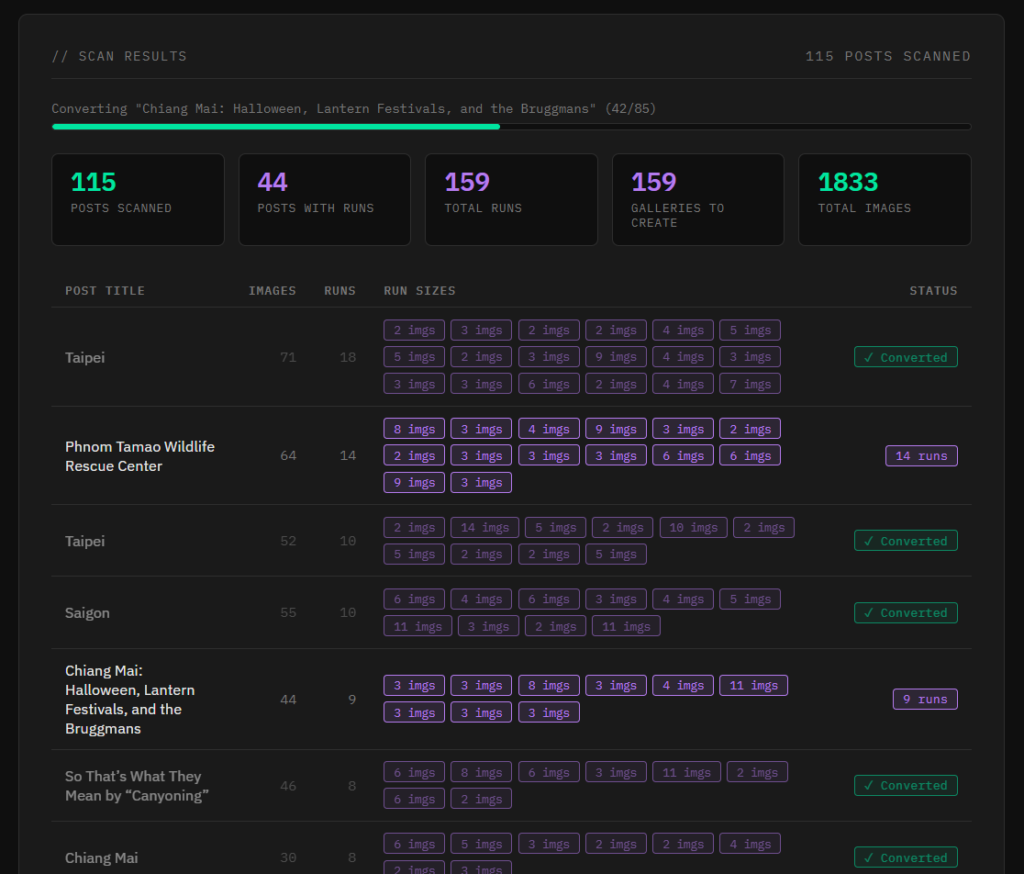
Of all the migration tasks, I feel like this one left me the most impressed with how far AI had advanced. A chore that previously would have been daunting and dreaded was wiped out in mere minutes, and with a really nice and attractive webapp too! It was honestly nicer and more feature-complete than what I would have bothered coding, if I mustered the energy to code anything at all for this.
PHP Interactions🔗
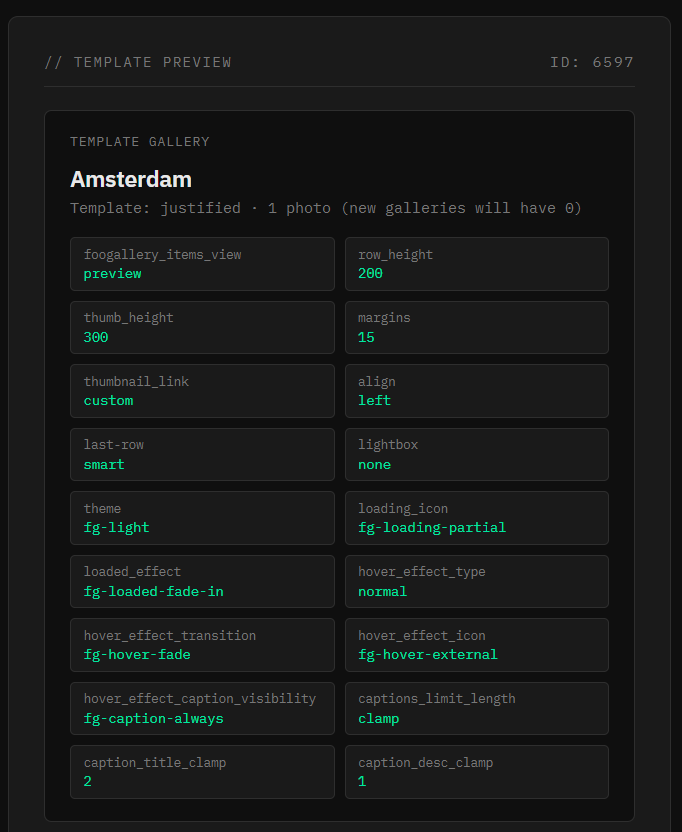
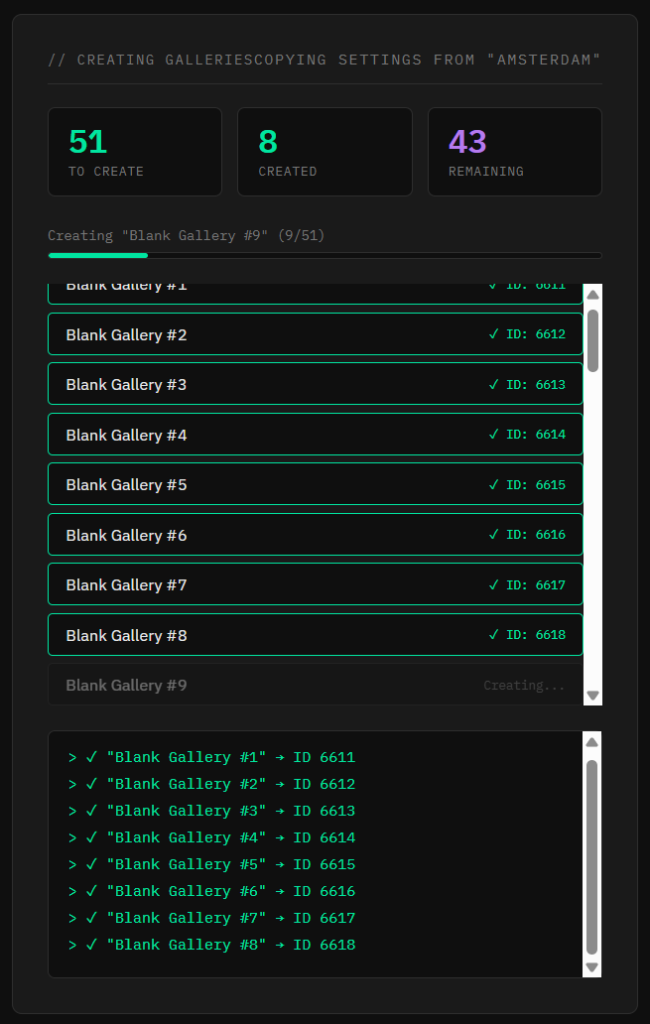
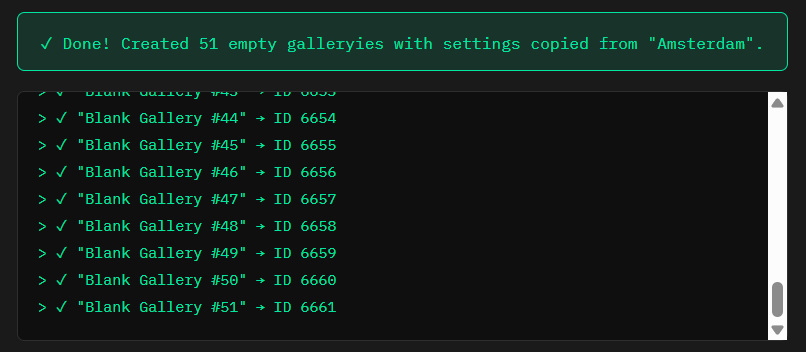
The next task I had — making 50 copies of an empty photo gallery to serve as future templates — is so uninteresting that I normally wouldn’t mention it, except that this one couldn’t be tackled off the shelf immediately. When I ran the tool Claude built for me, it didn’t seem to work, even though this seemed like a pretty trivial task:
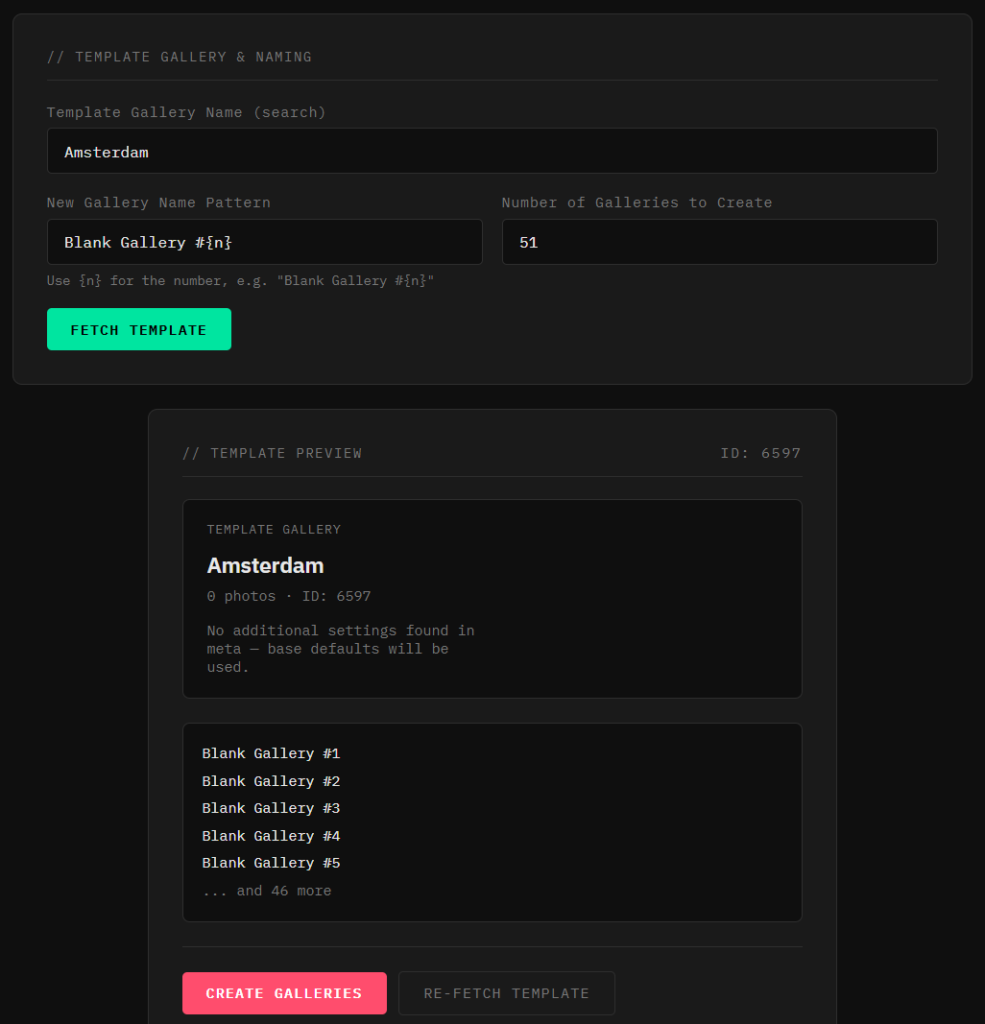
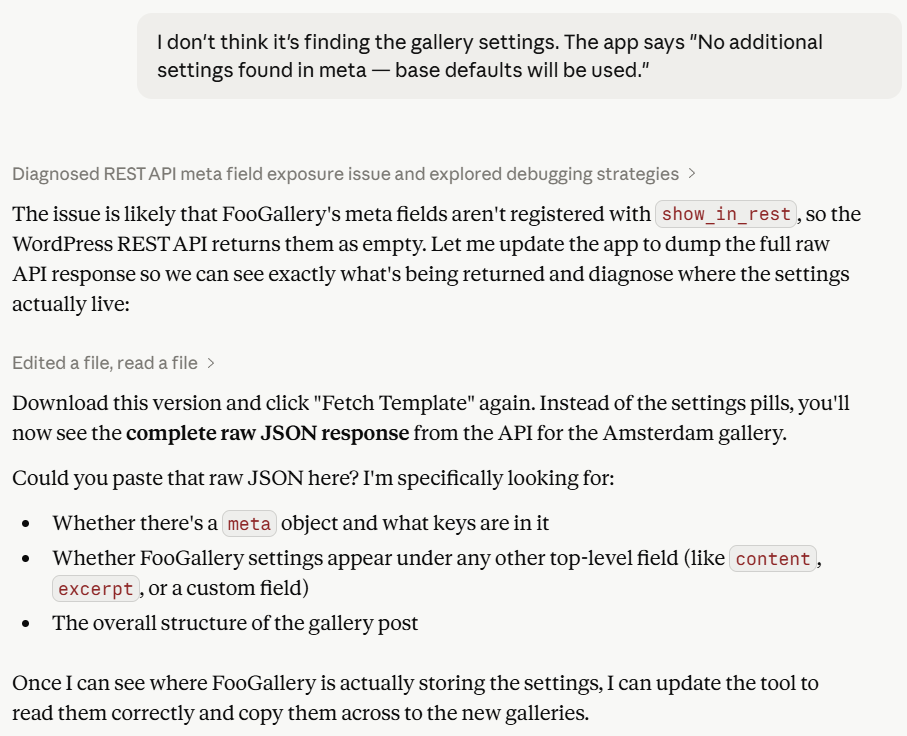
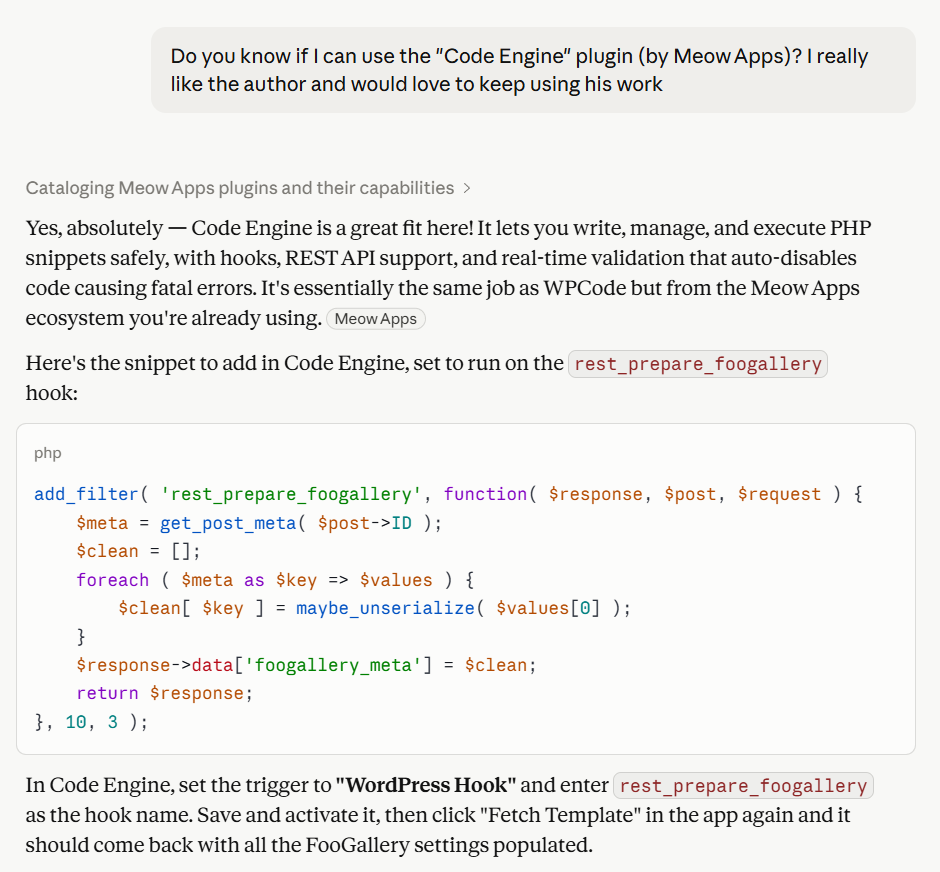
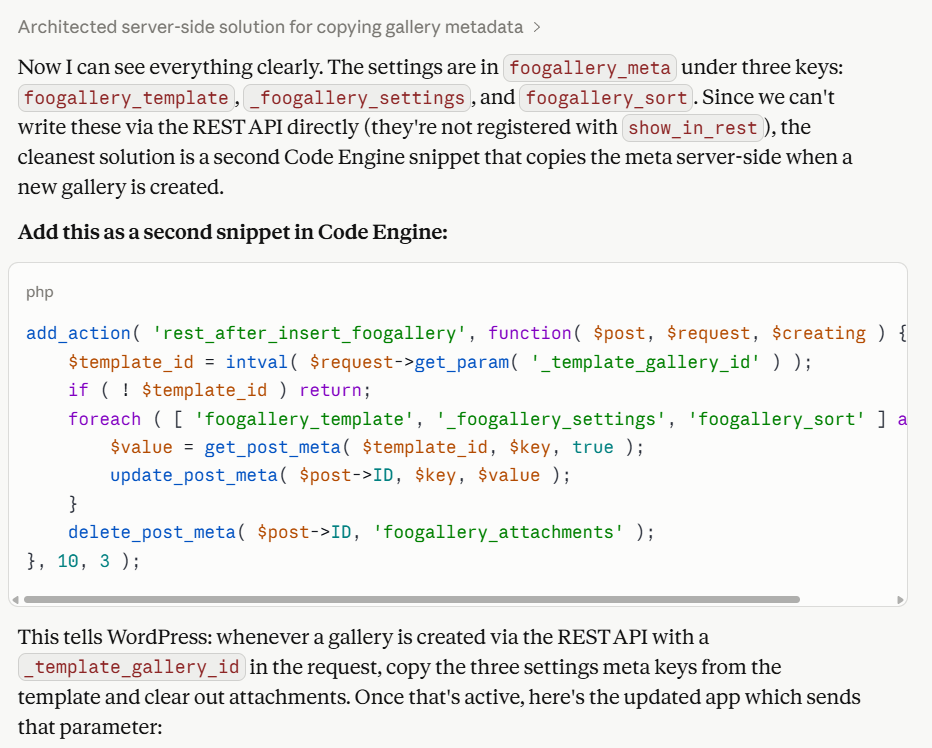
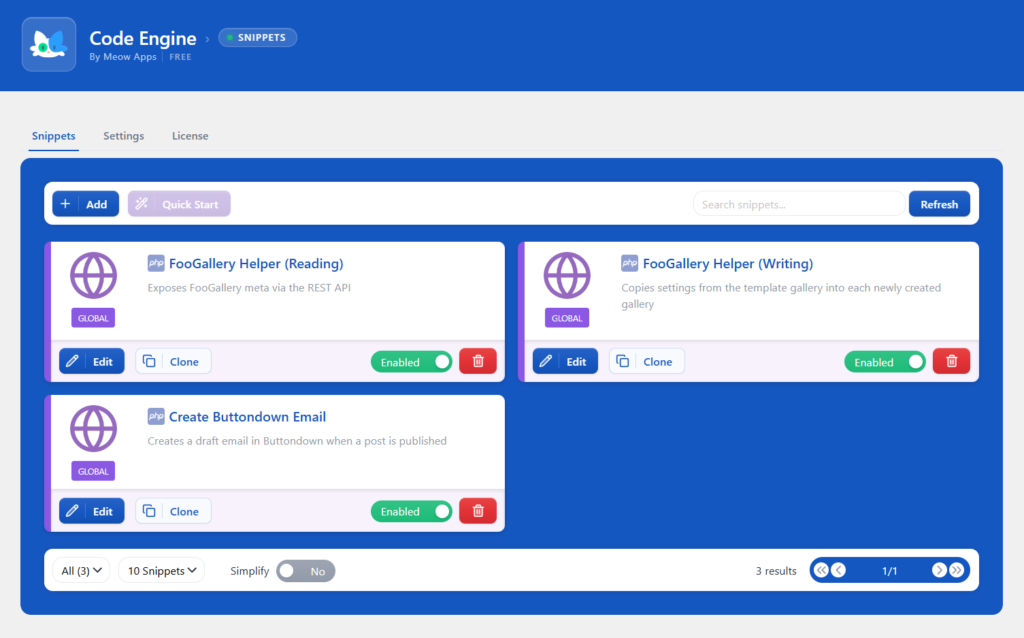
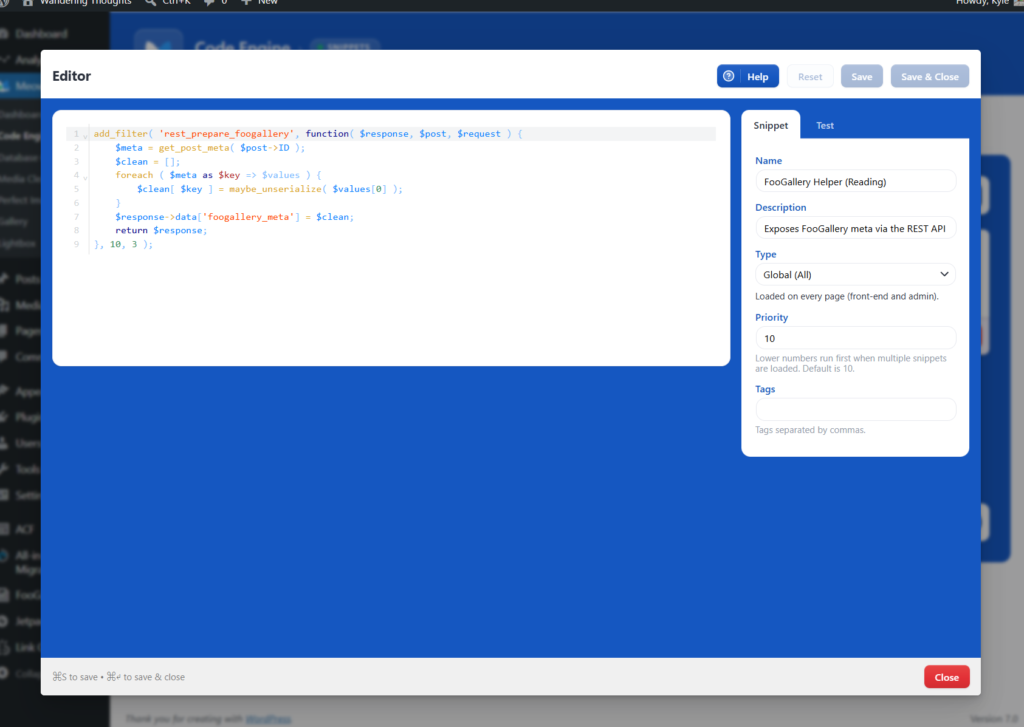
It turned out that the FooGallery plugin I was using didn’t expose all of its configuration in the REST API. Well, no matter! Claude happily provided PHP snippets for me to add to my WordPress installation that would allow reading and writing this data. I added these via the Code Engine plugin (another Meow Apps winner) and just like that, everything clicked into place and the tool did its job, creating a bunch of empty galleries for me to use in the future:
Editing Post Content🔗
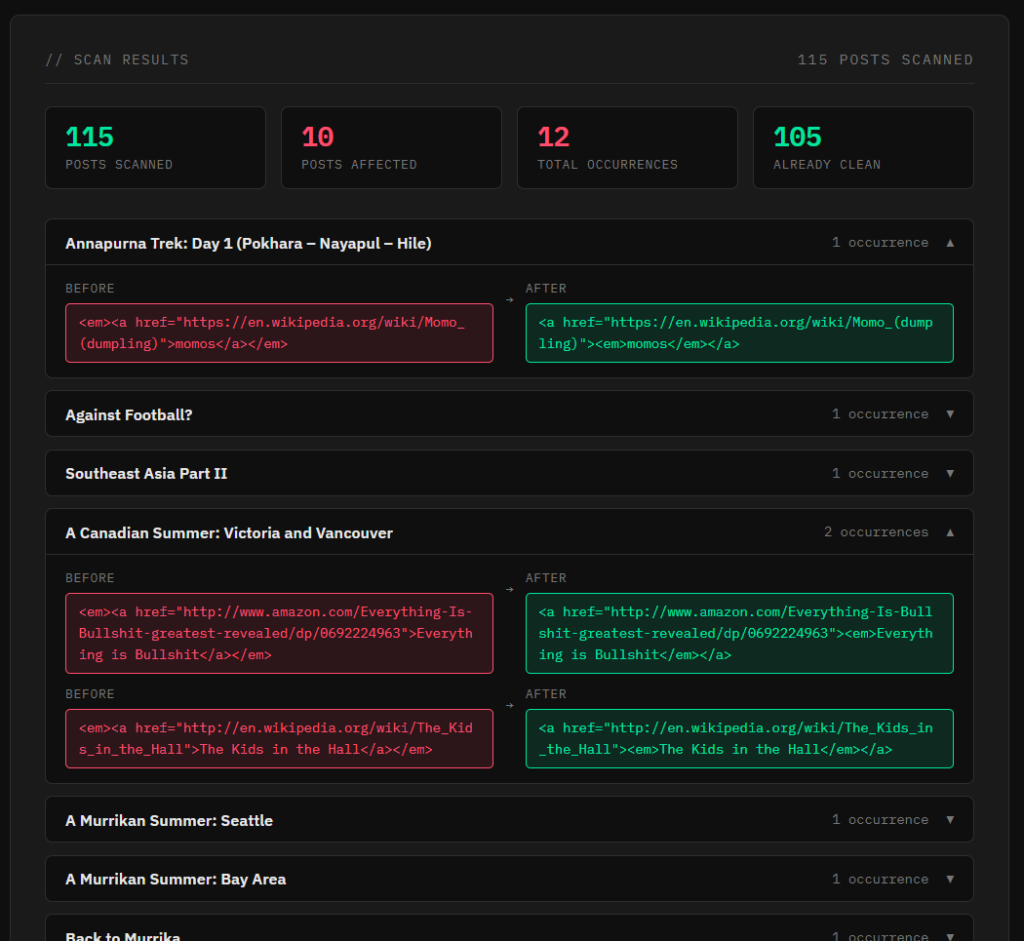
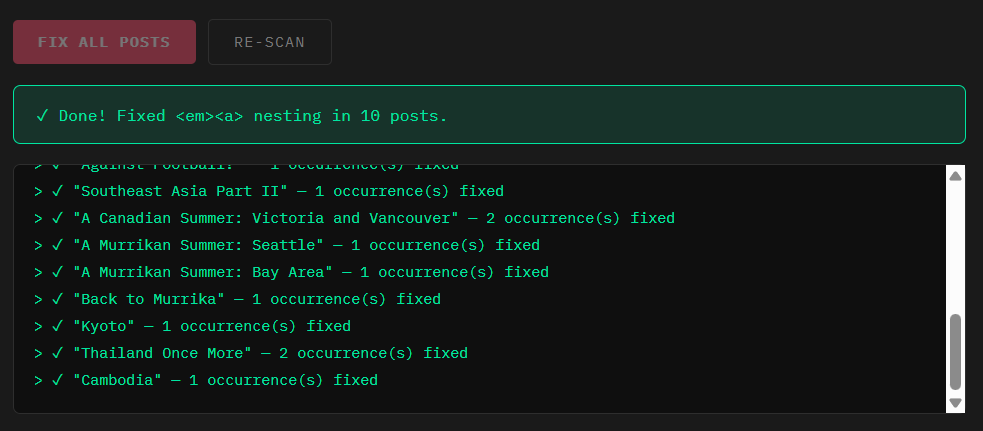
Of course, editing the content of a post is just as simple as anything else I’ve shown so far. The one silly example I have here is that while clicking around my site, I noticed that links containing italicized text were not rendering correctly. After diving into the HTML in the browser, I realized that it was because the nesting of the <a> and <em> tags was backwards (likely another byproduct of the migration to blocks). Can you imagine having to find and fix all of these by hand? Not anymore!
Conclusion🔗
If you have a WordPress website, I hope this article has given you some ideas about the kinds of things you can automate and cross off your checklist. Honestly, you don’t even need API access or Claude Code or even a subscription! The web interface on the free tier can still crank out a lot of useful tools, though you’ll hit your daily limit a lot faster than if you have a subscription. But really, you don’t have any more excuses for not being productive. Take advantage of this technology while you can!