Reclaim A Tiny Part of Your Sanity, Via Your TV
Ads suck.
I realize I’m preaching to the choir here. Ads have always been annoying, but doesn’t it feel like advertising is getting so much worse now? If you’re one of the lucky few that hasn’t noticed this, try watching any professional sport on TV. Even ignoring the stadium names and uniforms and in-stadium advertising and commercials during the broadcast, it seems like every part of the show is “brought to you by” some corporation. Kick things off with the Lucky Charms Pre-Game Show! Stay tuned for the Weight Watchers Halftime Show! Stick around for the Preparation H Post-Game Show! Okay, I made all of those up, but are they really that outlandish these days? It feels we’ve reached Idiocracy levels of advertising and corporate tie-ins.
And sure, for quite a while now, we’ve had to pay to remove ads from our Kindles. But now car manufacturers are toying with the idea of showing ads on the screen in your car. (Your luxury car! That you purportedly own!) And these ads aren’t just a nuisance anymore; ads can be a real security threat. Just this week, Wired reported on a “nightmare scenario” — zero-click spyware that enters your device through… you guessed it… ads.
All of this came together recently when I was trying to enjoy my (Sony, not that it really matters) Google TV at home one day and it really dawned on me how infuriating the home screen had become. This is a pretty typical example that I’m sure many of you will relate to:
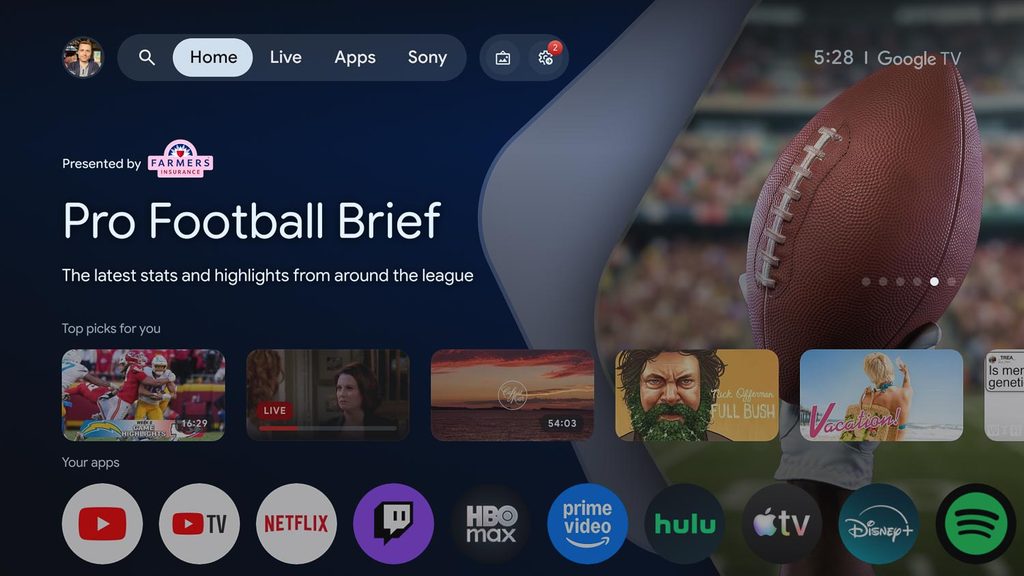
Let’s break this down a bit:
- Full-screen background and large blocks of text for a show I don’t care about
- Corporate sponsor, front and center
- More than 50% of the screen is taken up by the menu bar and the ad
We’re already down to less than half the screen for our actual content. “Top picks for you” feels less noxious than the advertising since it’s trying to be helpful (I think), but for me it’s still mostly a waste of space.
That leaves what I actually want — my apps — buried as an afterthought at the very bottom of the screen. How ridiculous is this?! The one thing I’m actually here for is relegated to the lowest 10-15% of the screen. And the icons don’t even fit! I have to scroll horizontally to see the other apps.
Here’s another screenshot I happened to grab at the same time, with an extra little Easter egg:
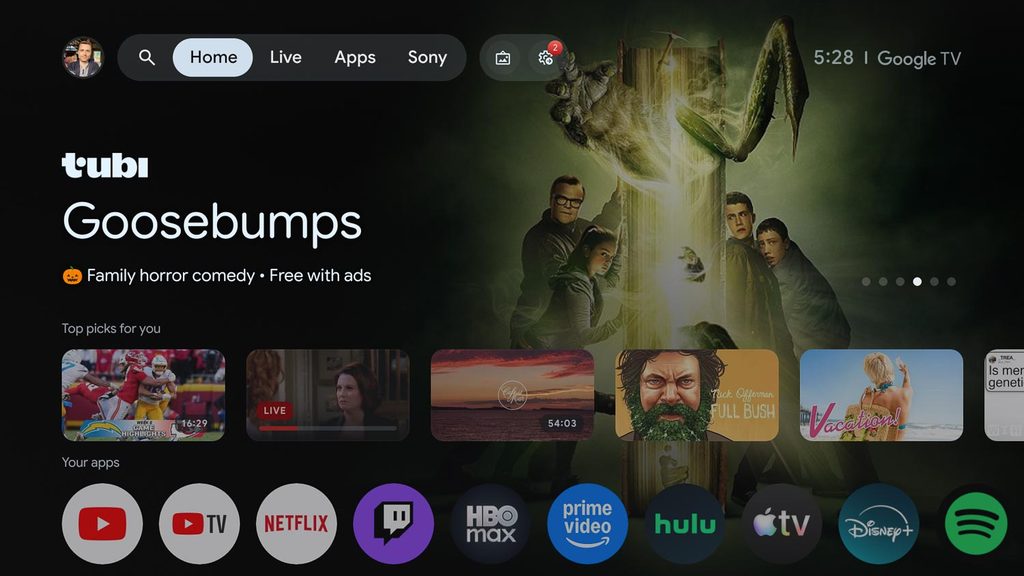
Oh boy! Free with ads! Someone go find Xzibit, because now we’ve got ads for more ads. Yo dawg…
It didn’t take much Internet sleuthing to stumble upon a fantastic solution to this: Projectivy, a free replacement launcher (aka home screen) for Android TVs. Not only does it kill all the ads, but it also lets you fully customize your home screen: different types of layouts, custom icon packs, custom wallpapers, live wallpapers, and a lot more. Their website has a lot of cool examples of what you can do with it. Since it lives on your Android system as just another app, it doesn’t require any jailbreaking or rooting; just install the app and run it.
One afternoon about a month ago, I set aside an hour to install the app and tinker with all the settings. It took a little while, but the options are easy enough to figure out. Before too long, I had exactly what I’ve wanted all along: a beautiful grid of large app tiles where everything is front and center, a barebones menu bar, and a minimal clock. No ads, no extra garbage, no scrolling.
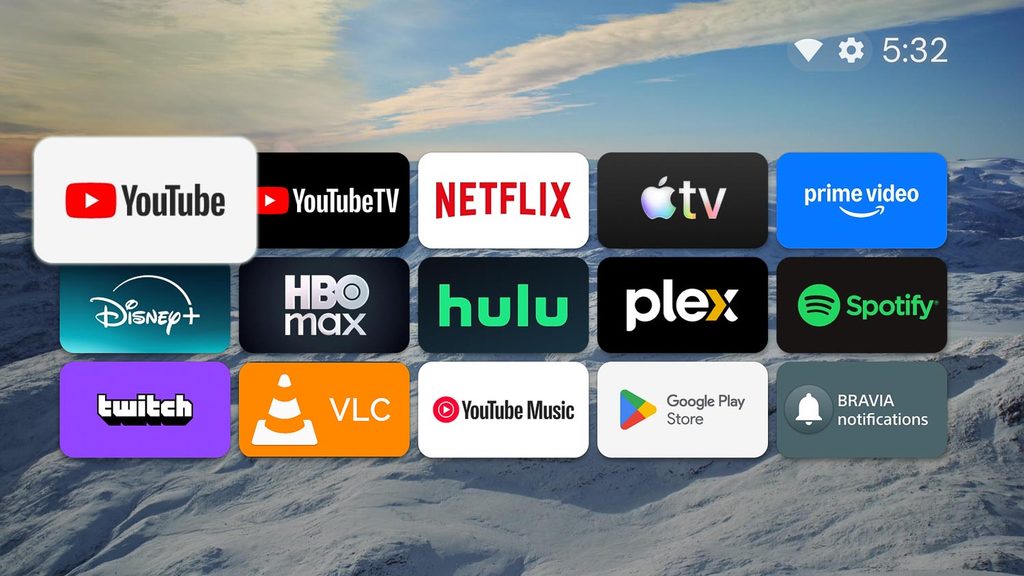
After a few minutes of inactivity, the app tiles simply fade away and the live wallpaper becomes the screensaver:
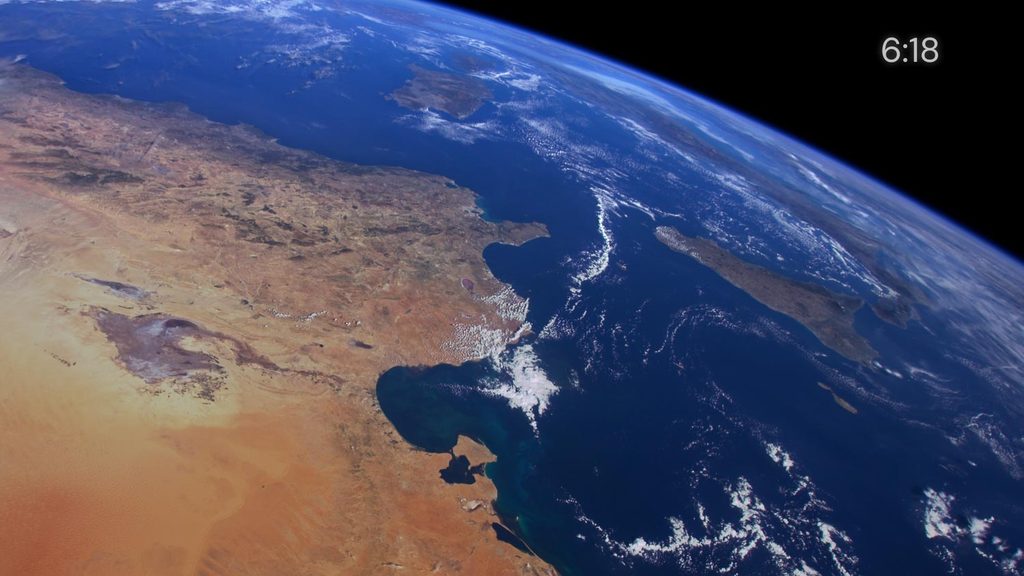
After seeing what Projectivy could do, I happily paid for the premium version — less than the cost of a latte — which comes with extra features and a big pack of really nice live wallpapers. To be clear: the free version of the app will do everything you need. But I’m always more than happy to financially support software projects that I think are worthwhile.
In a world that is constantly bombarding all of us with a million nuisances a day, finding this app was a truly pleasant surprise; I now have one less annoying thing to deal with. If you’ve also been finding yourself increasingly agitated by your Google TV, I recommend giving Projectivy a try!
Links: